

One record, from the phone call to the invoice
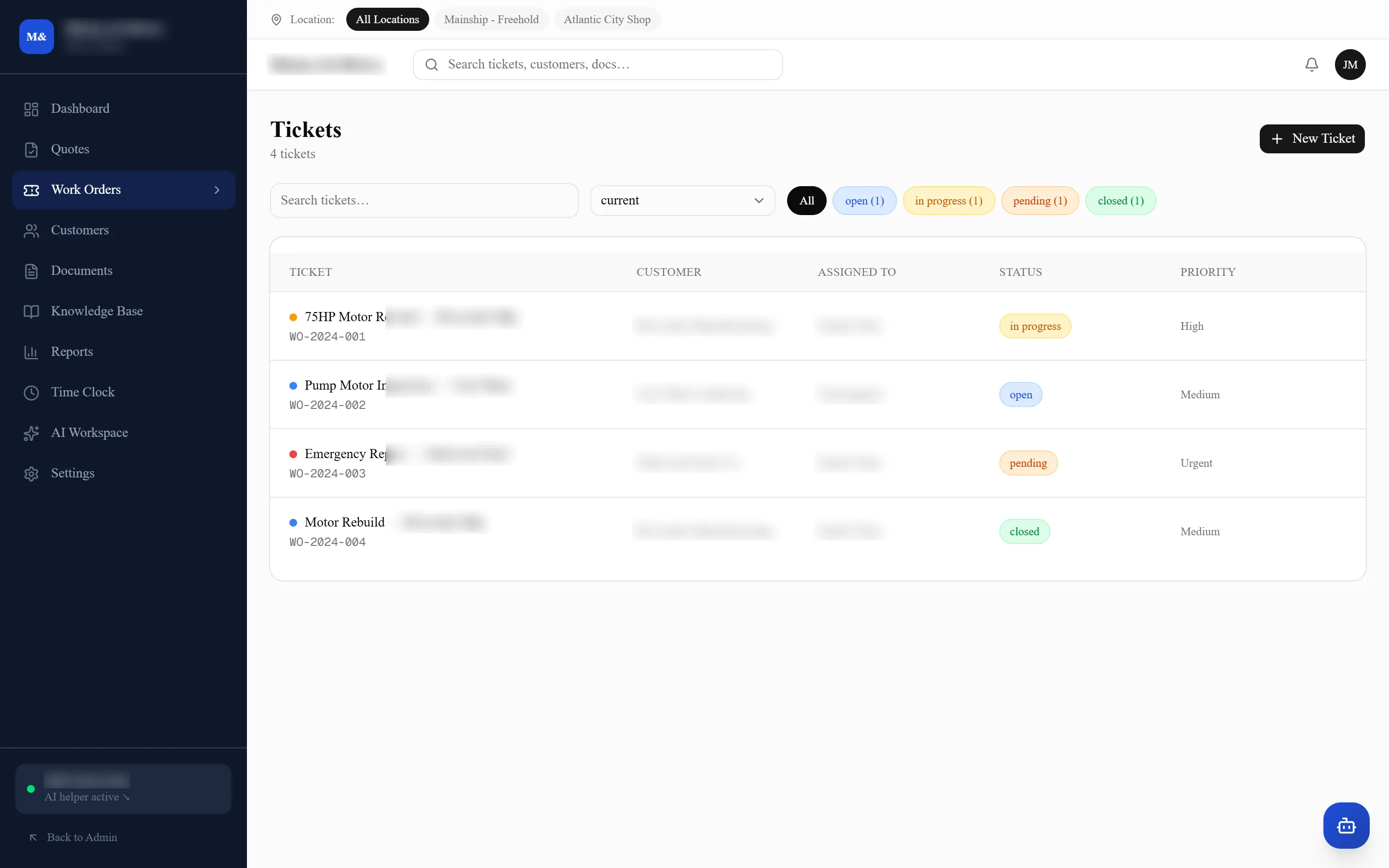
Everything about a job lives on the job: the customer, the equipment, the parts, the hours, the photographs, and every document it produced. There is nowhere else for any of it to be.
You get Joseph Deep — not a call center. The assistant answers at 2am; I answer the phone.
Prefer email?Joey@deepdevelopmentanddesign.com
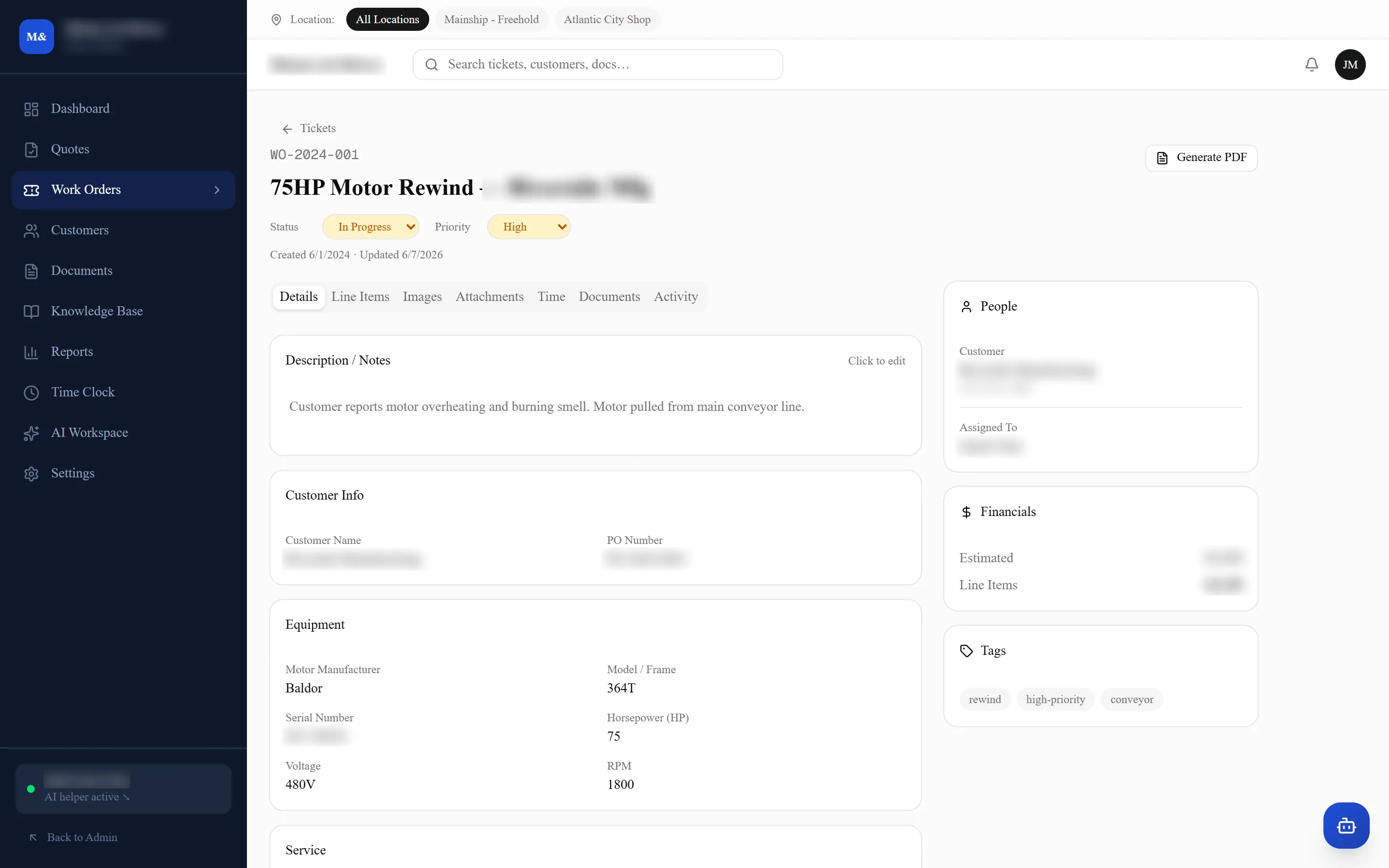
Six things, and no sixth place to look
Who it is for
The customer, the site it belongs to, the contact who rang, and their purchase order number. Pick an existing customer and the rest fills itself in.
What came in
Manufacturer, model or frame, serial number, and whatever else that trade cares about — voltage and RPM on a motor, something different on a compressor. It is the equipment that carries the history, not the visit.
What is wrong
The description in the caller’s words, then notes and photographs added as the work goes on. Everything is dated and attributed, so "who said we could do that" has an answer.
What it takes
Line items for parts and labor, hours clocked against the job by the person doing it, and the running total against the estimate. This is the part a mechanic can be stopped from seeing.
Where it has got to
Open, in progress, pending parts, closed — plus a priority and the person it belongs to. The board is just this field, read across every job at once.
What came out of it
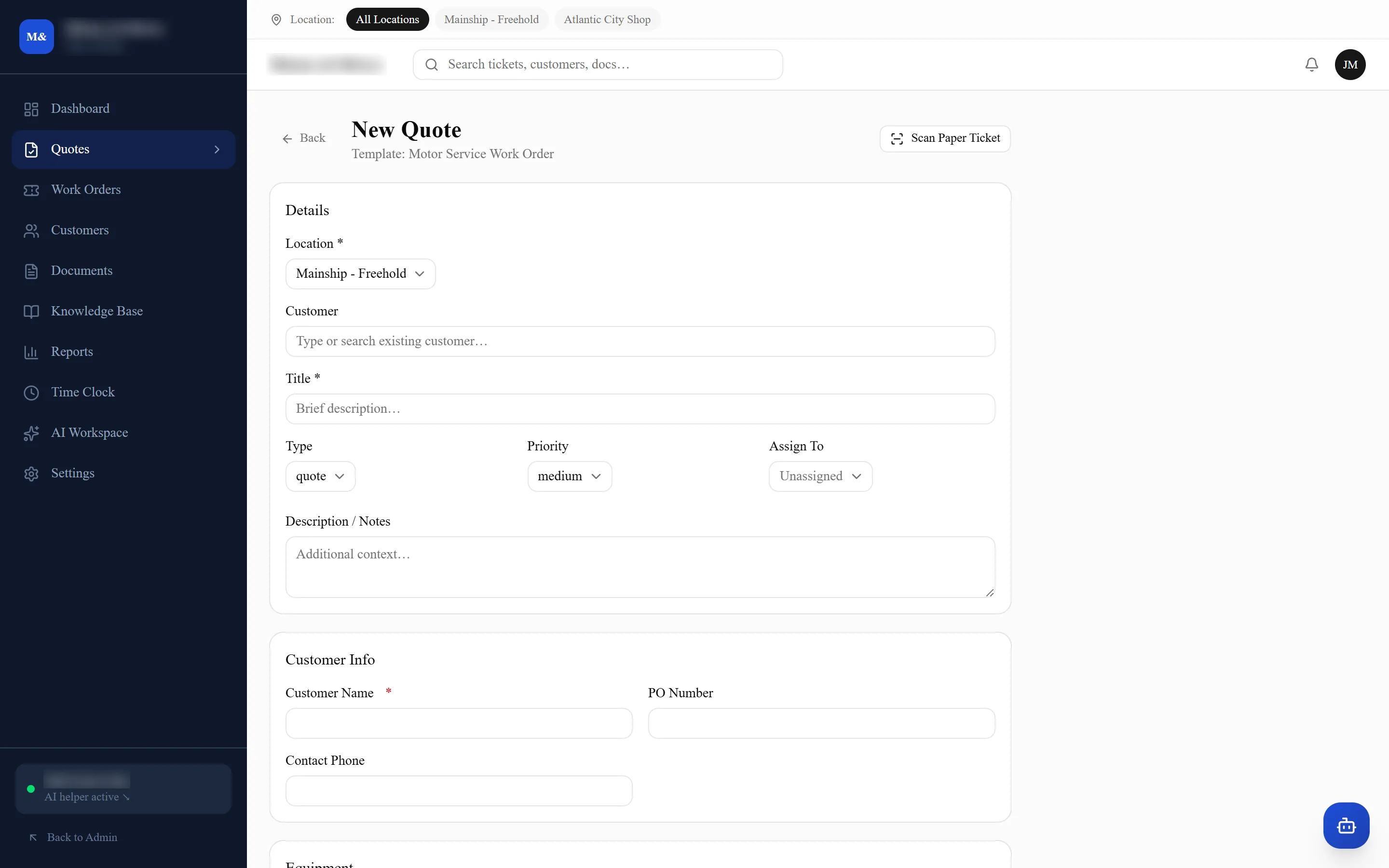
The service order and the quote as branded PDFs, and every document that came in filed against it. Nothing is generated into a folder somebody has to remember.
It goes both ways
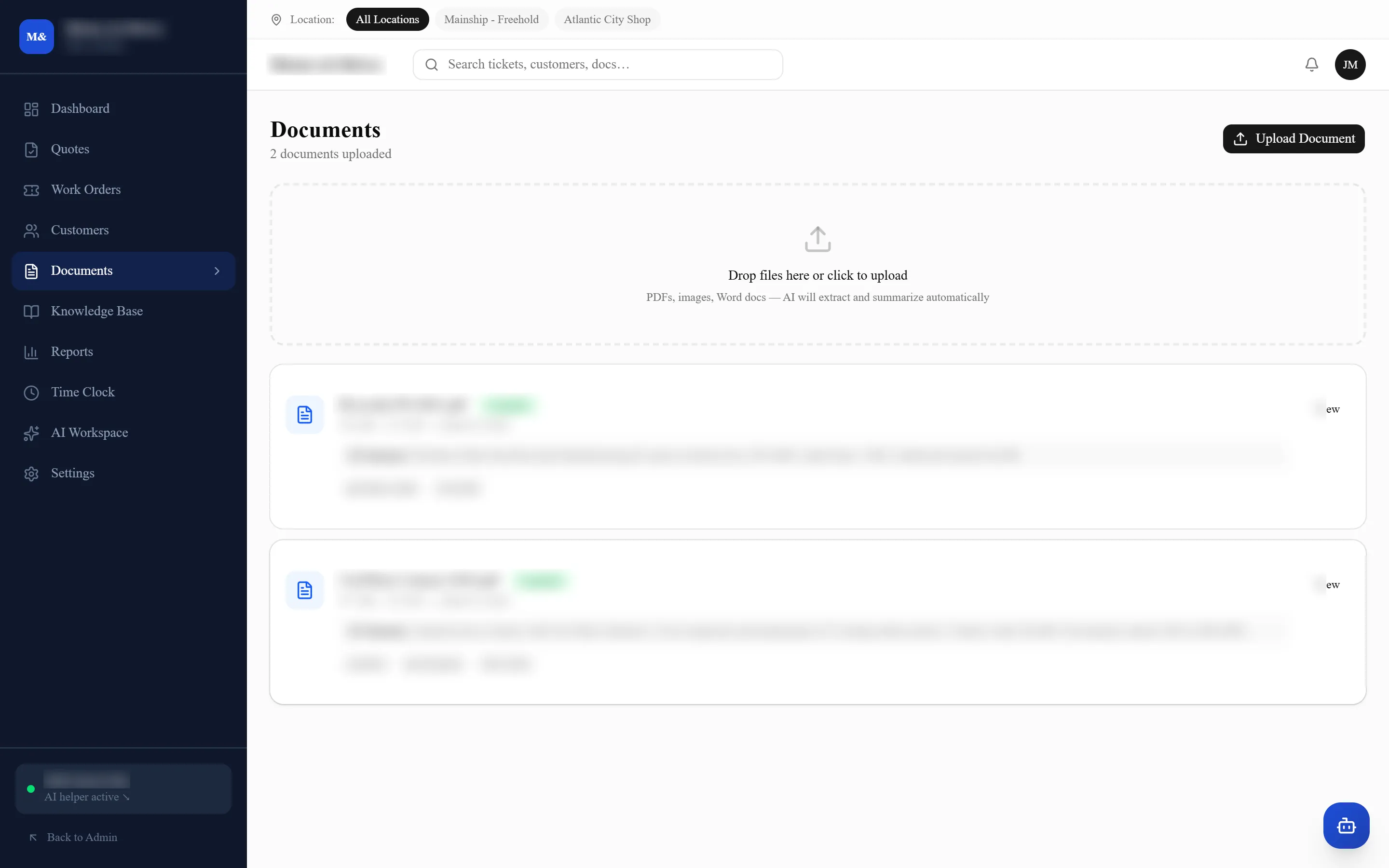
Their purchase order, their contract, a photograph of the plate — dropped in, read automatically, summarized, and filed against the job it belongs to. You can search what a document said, not just what it was called.
Going the other way, the service order and the quote come out of the record as branded PDFs. Nothing is retyped and nothing lands in a folder somebody has to remember.
What people ask second
Yes. Numbering is per location — one shop’s jobs and another’s cannot land on the same number, however busy both counters are. The only rule is that two locations must never share a site code.
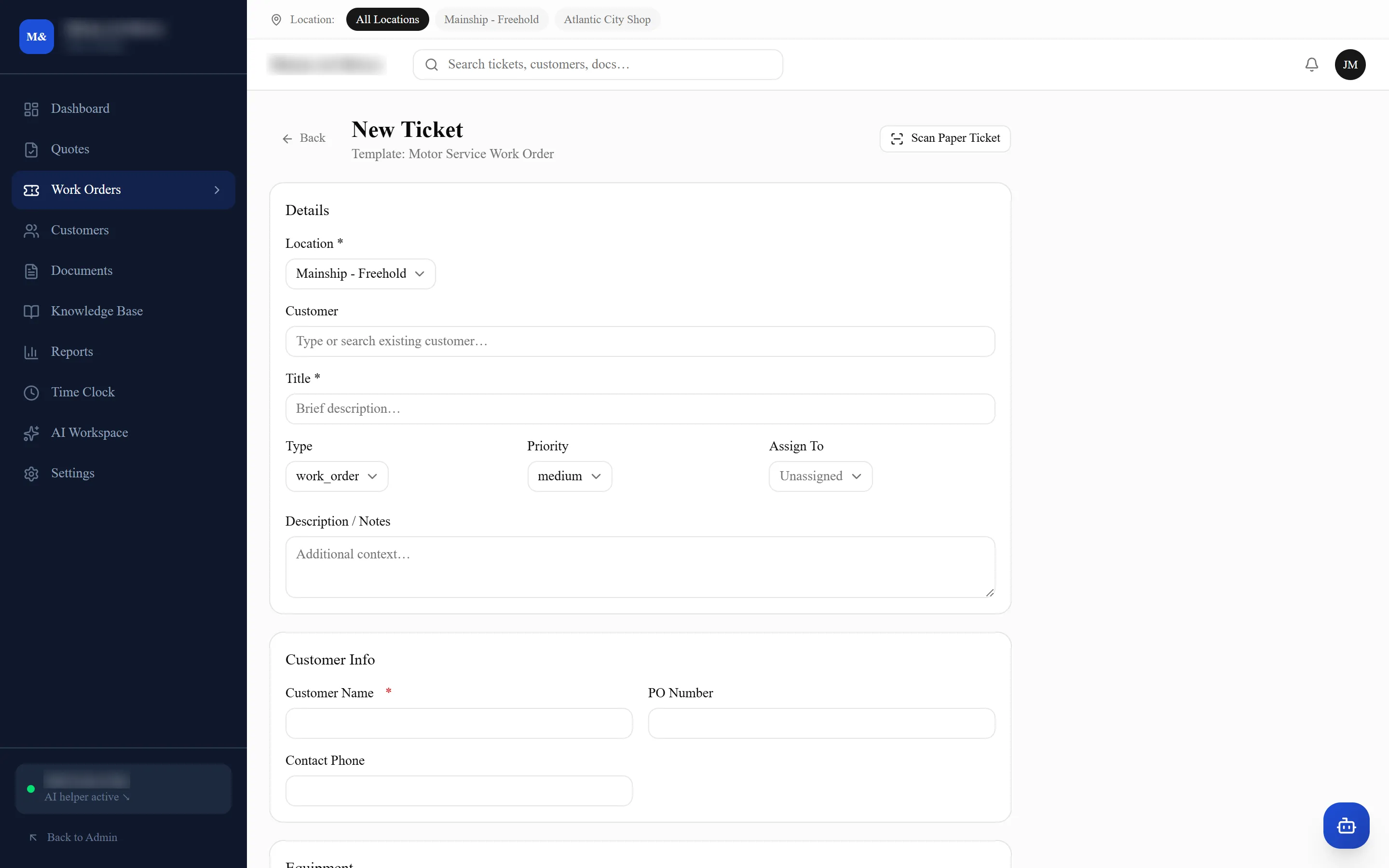
Photograph it. Scan Paper Ticket reads the ticket and fills the form in, and you correct anything it got wrong before saving. It is meant for the ones that arrive on a docket rather than as a replacement for typing.
No, and it does not pretend to. It produces the quote and the service order as PDFs with your branding, with the parts and hours already on them. What you raise the invoice in is up to you — most shops already have something they are not about to change.
Companies can add their own fields to a job, including currency ones. Worth knowing: a custom currency field is not yet covered by the cost-hiding, so it stays visible to everyone. That is logged and being worked on.
Customers, open jobs and history come across before you switch, and you run the two side by side for as long as you want to. Motors & Drives moved off an older system that way rather than starting empty on a Monday morning.

Bring one of your own jobs
The useful version of this is us putting one of your real work orders into it before we show you anything. Tell us what your shop does and a couple of times that suit.