

Look round it yourself
Every screen, in the order you would actually meet them, with a line on what each one is for. No sign-up, no call, and nobody watching you do it.
You get Joseph Deep — not a call center. The assistant answers at 2am; I answer the phone.
Prefer email?Joey@deepdevelopmentanddesign.com
This is the real product with a real shop's data in it, so the customer names, phone numbers and prices are blurred out. Everything else is exactly what you would see.
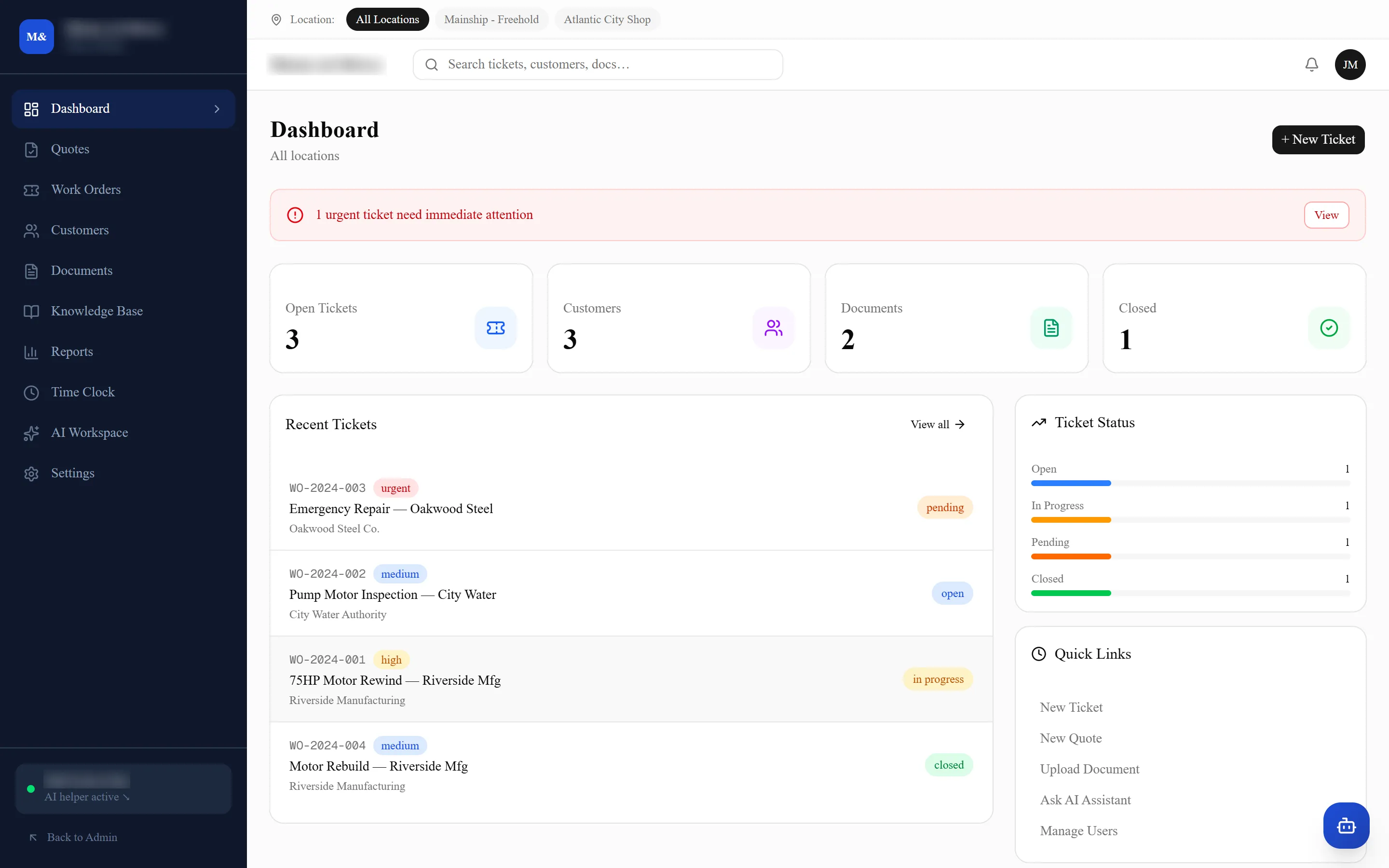
What is open, what is urgent, what is waiting on a part
The first screen of the day. Everything live across both shops, with the things that need somebody today at the top.
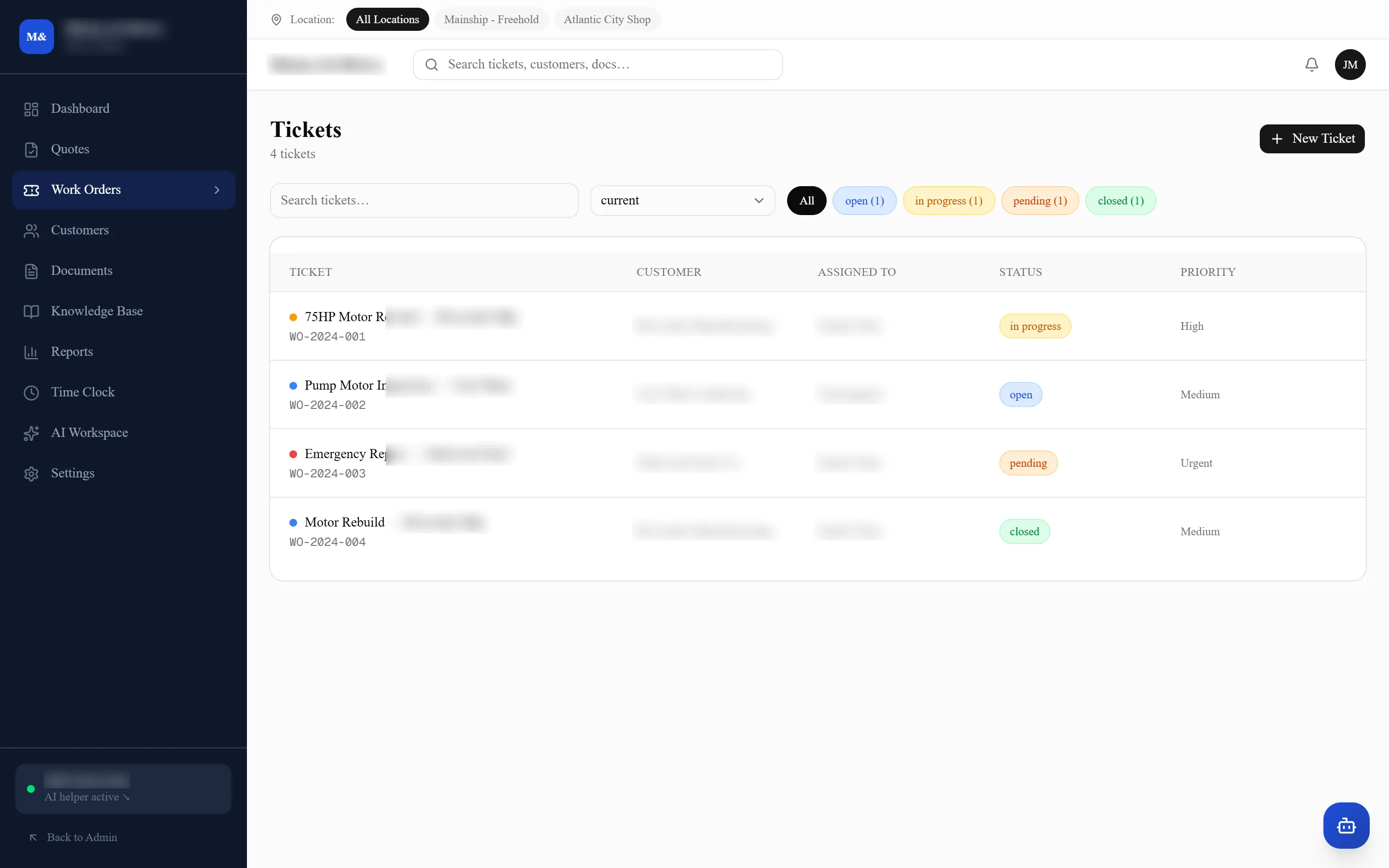
One list, filtered how you think
Open, in progress, pending parts, closed — and by location, so a shop can see its own board without the other one on it. Every job carries its own number from the moment it is saved.
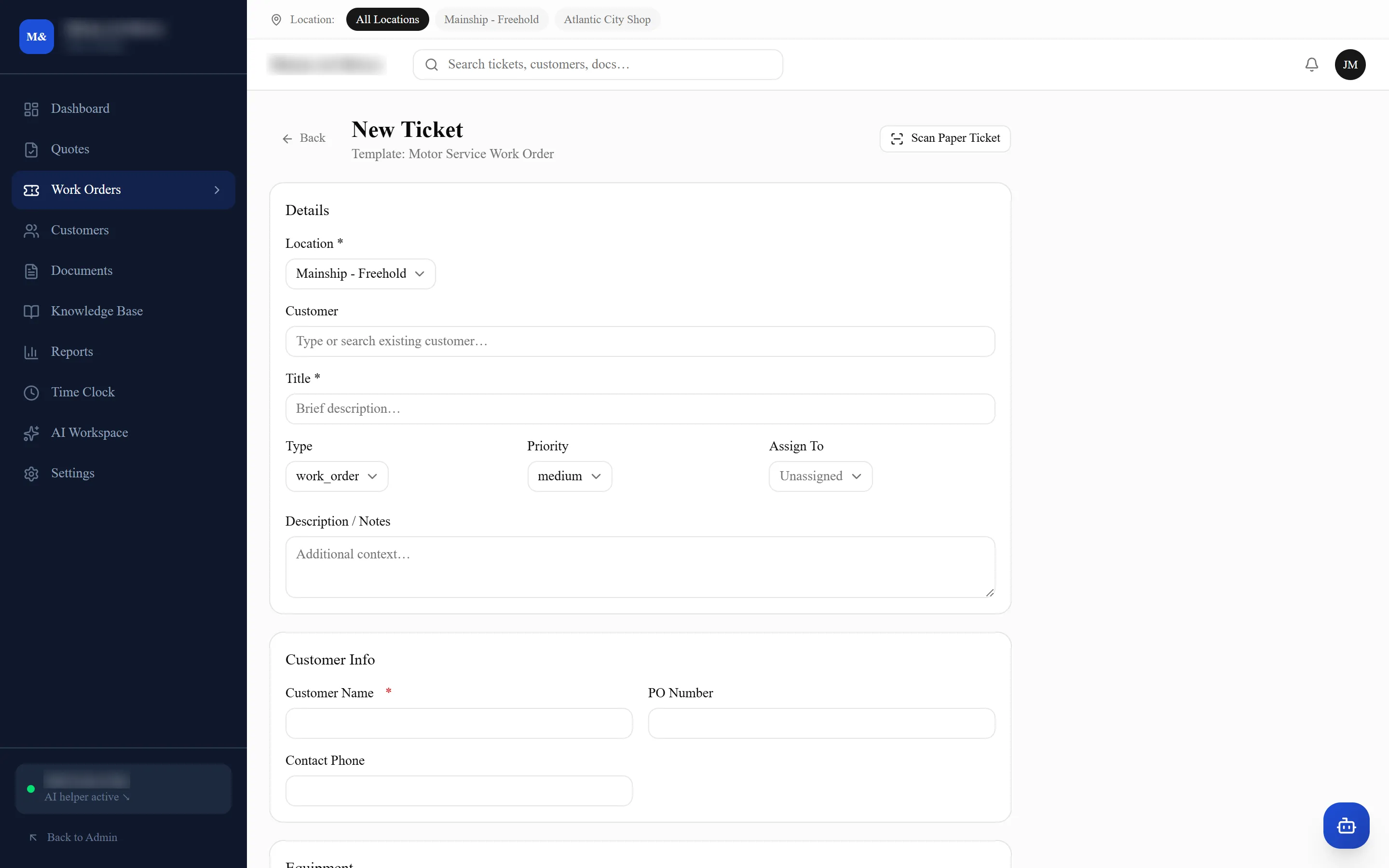
The phone call, typed once
Customer, location, equipment, what is wrong and how urgent. It is a record before the caller has hung up, and nothing here gets asked again later.
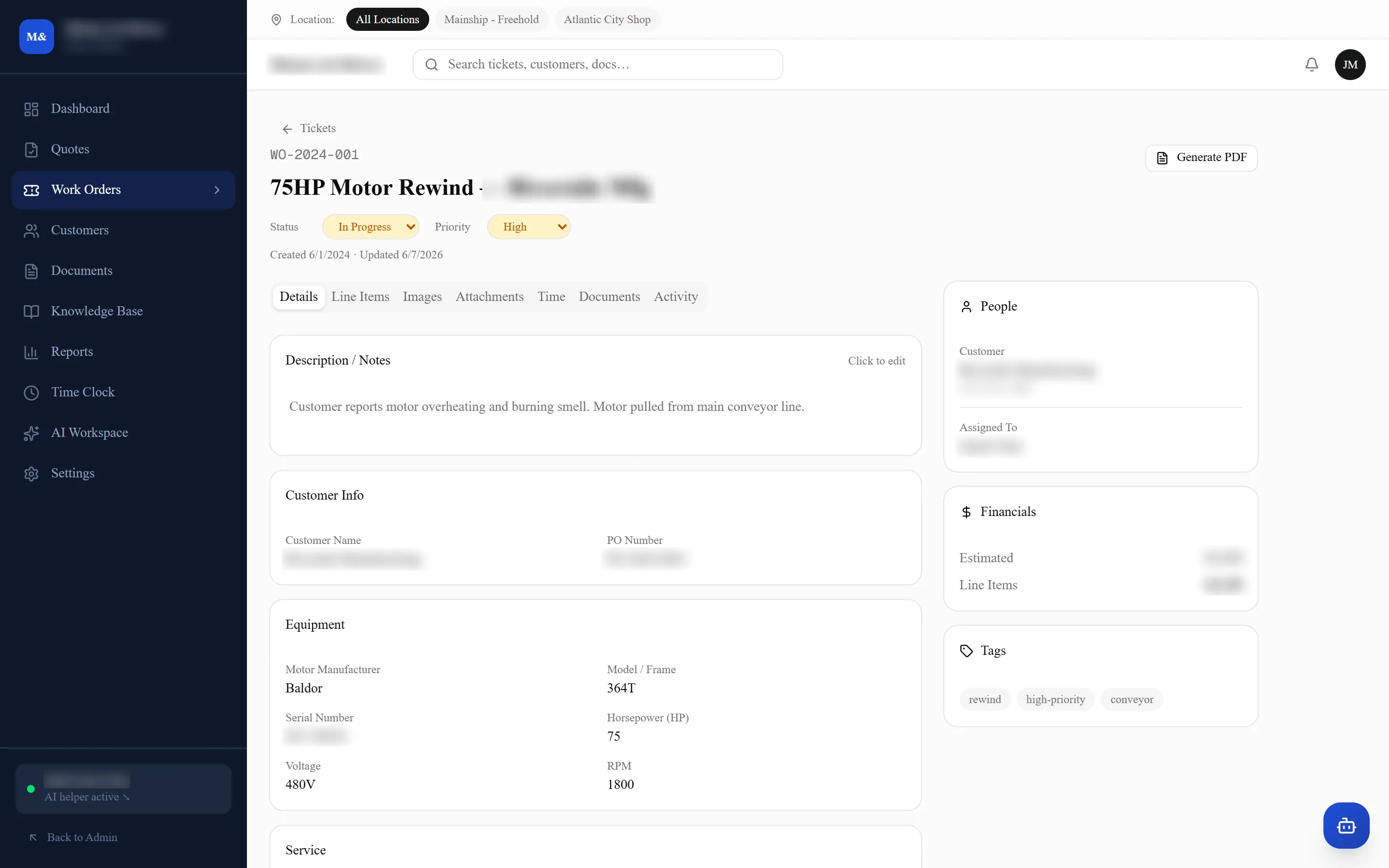
The history, the parts, the money, the people
Notes, photos, time, line items, who touched it and when — all hanging off the job rather than off somebody’s memory. Generate PDF is top right.
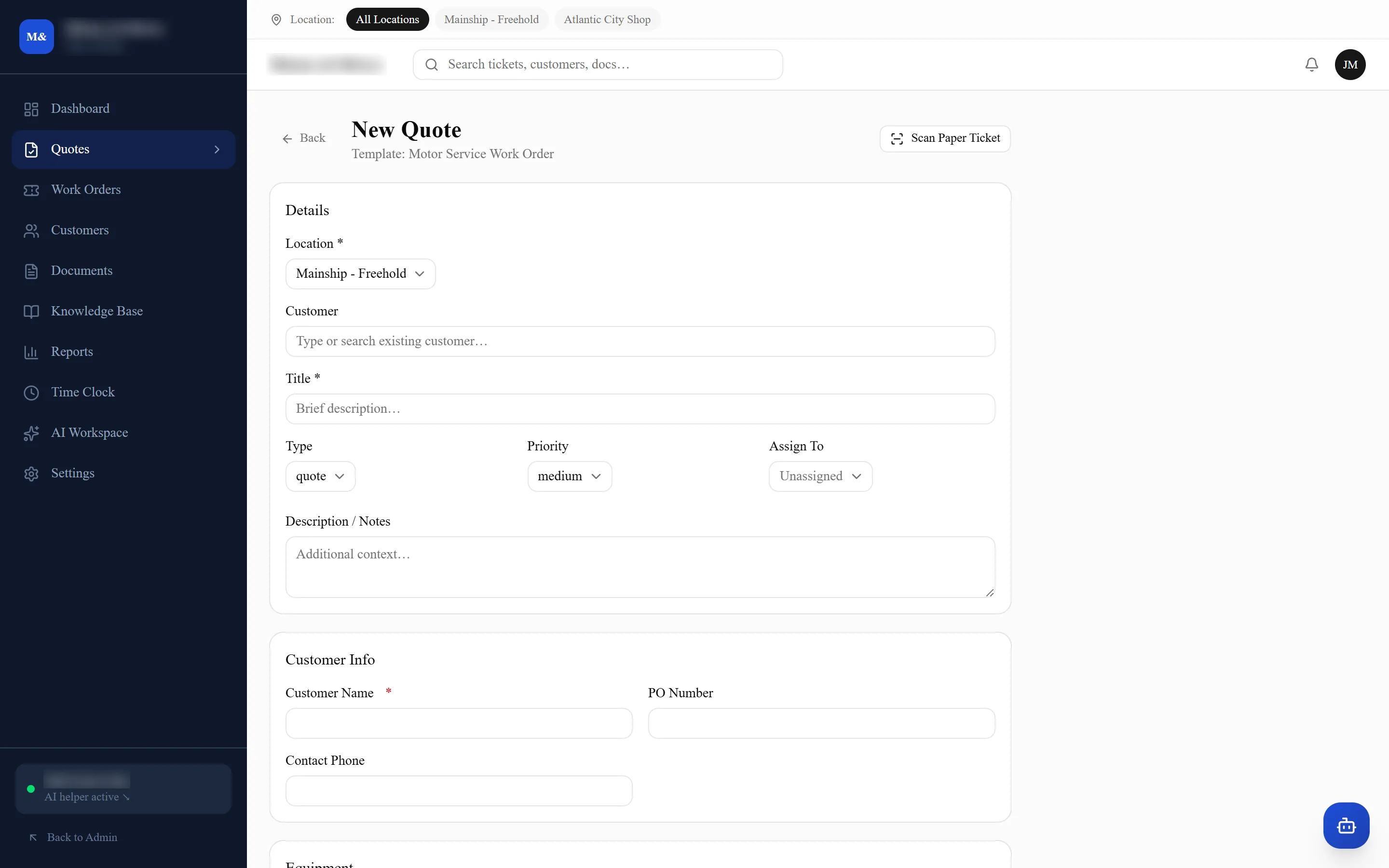
A quote that is the job, not a second document
Starts from a work order template with the customer and equipment already on it. If the job came in on a paper ticket, Scan Paper Ticket reads it and fills the form in.
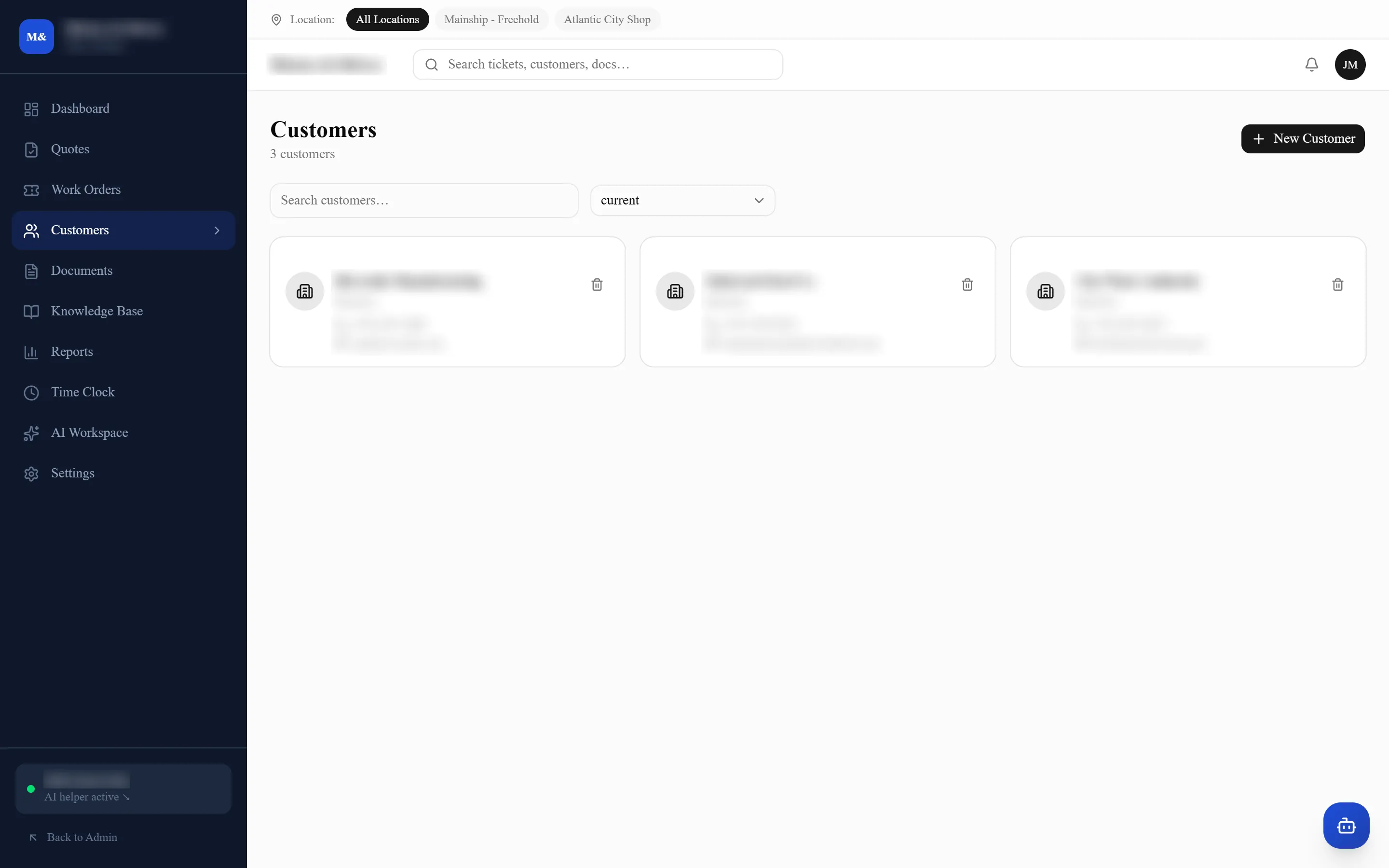
Every customer, and everything you have done for them
Contacts, sites, equipment and the whole job history in one place — so the answer to "have we had this motor before?" is a search, not a phone call.
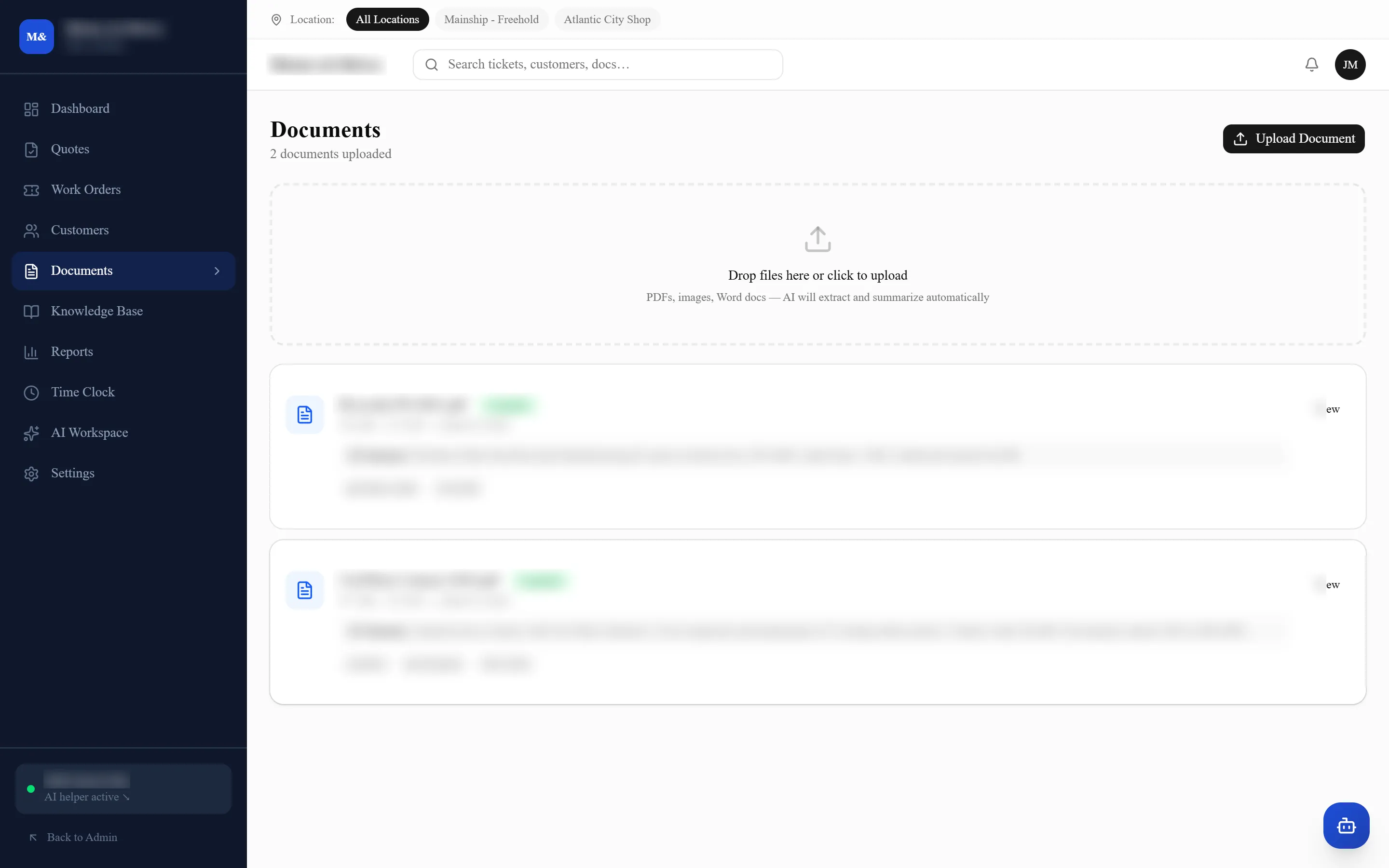
Read on the way in, filed against the job
Their purchase order, their contract, a photo of the plate — dropped in, summarized automatically and attached to the job it belongs to. Going the other way, service orders and quotes come out as branded PDFs.
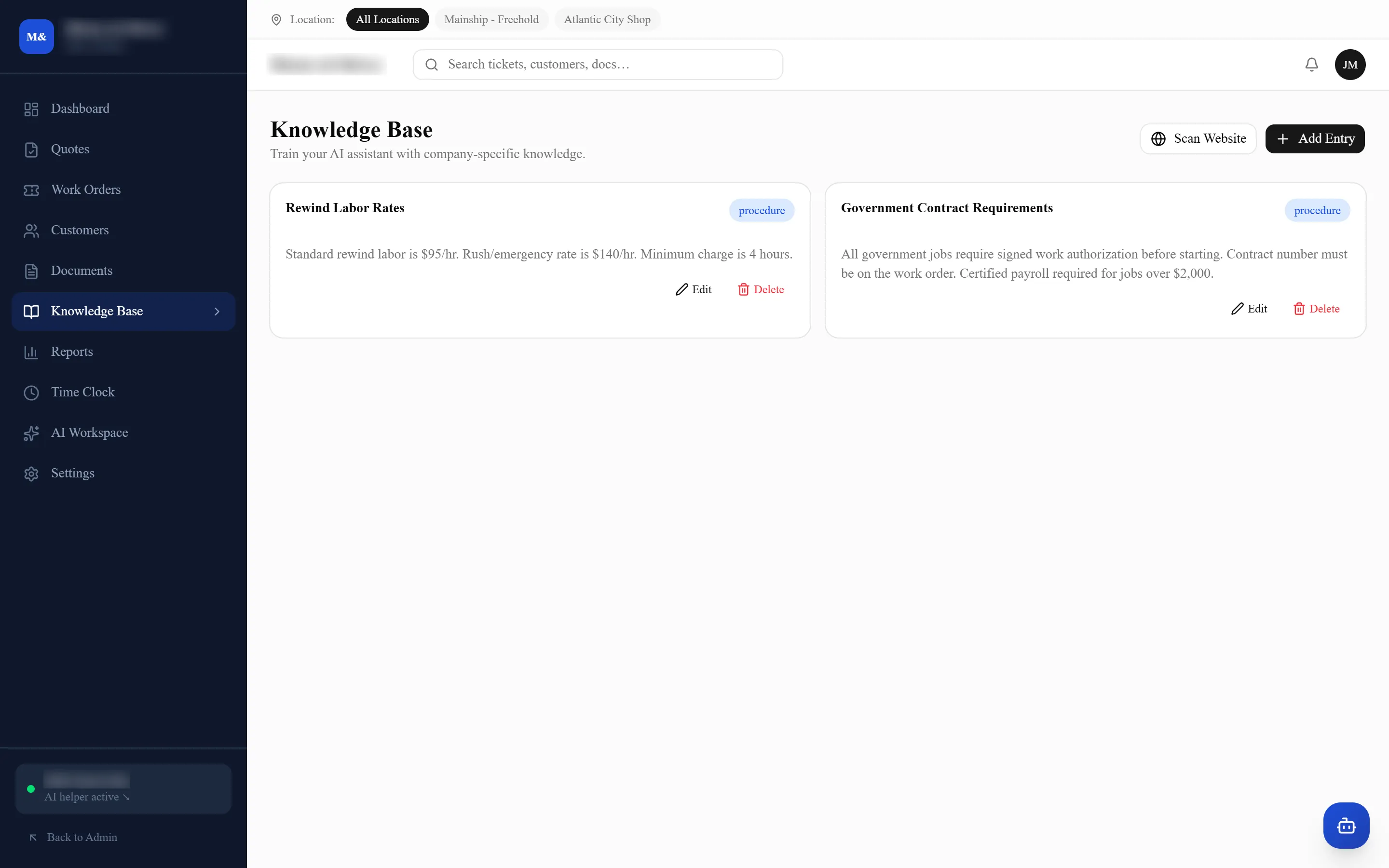
The things that live in one person’s head
How you do a particular rewind, which supplier does the odd frame size, what went wrong last time. Written down once, searchable by everyone.
Clocked against the job, not against the week
Which is what makes the reporting real — the numbers come from the work as it happened rather than from a sheet filled in on Friday.
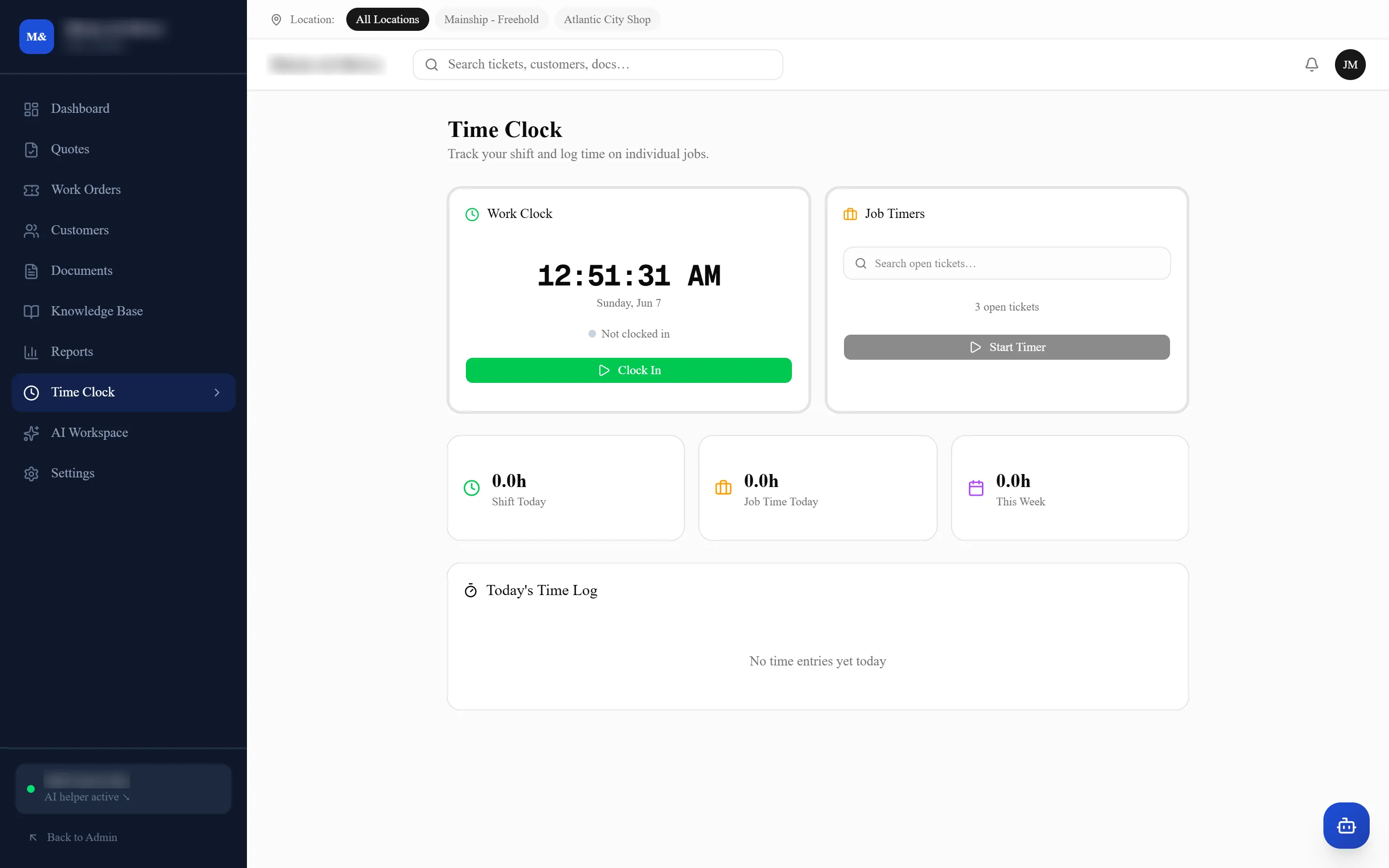
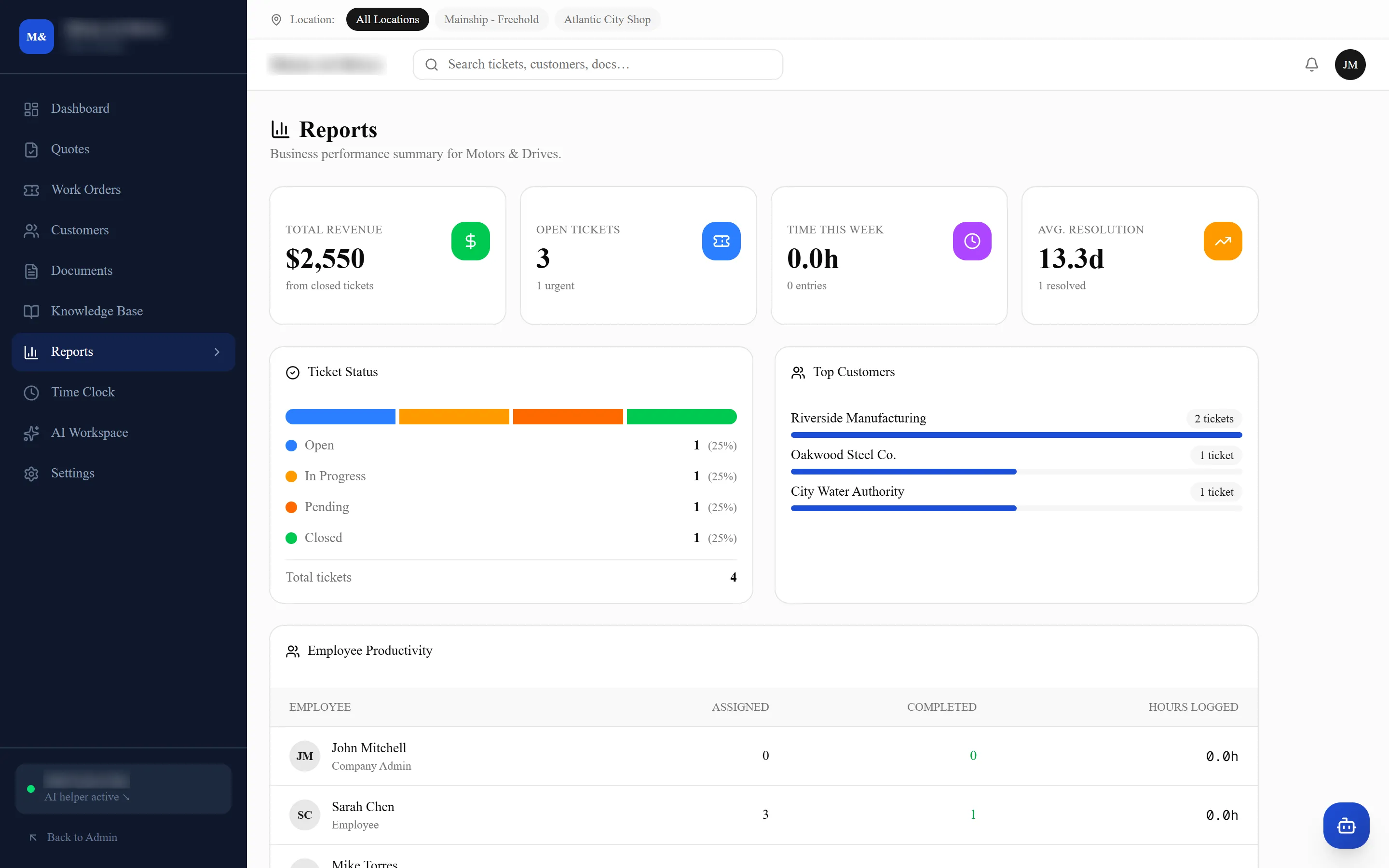
Built out of the work, not assembled by hand
Jobs, hours, customers and what they are worth. Nobody keeps this up to date, because nobody has to.
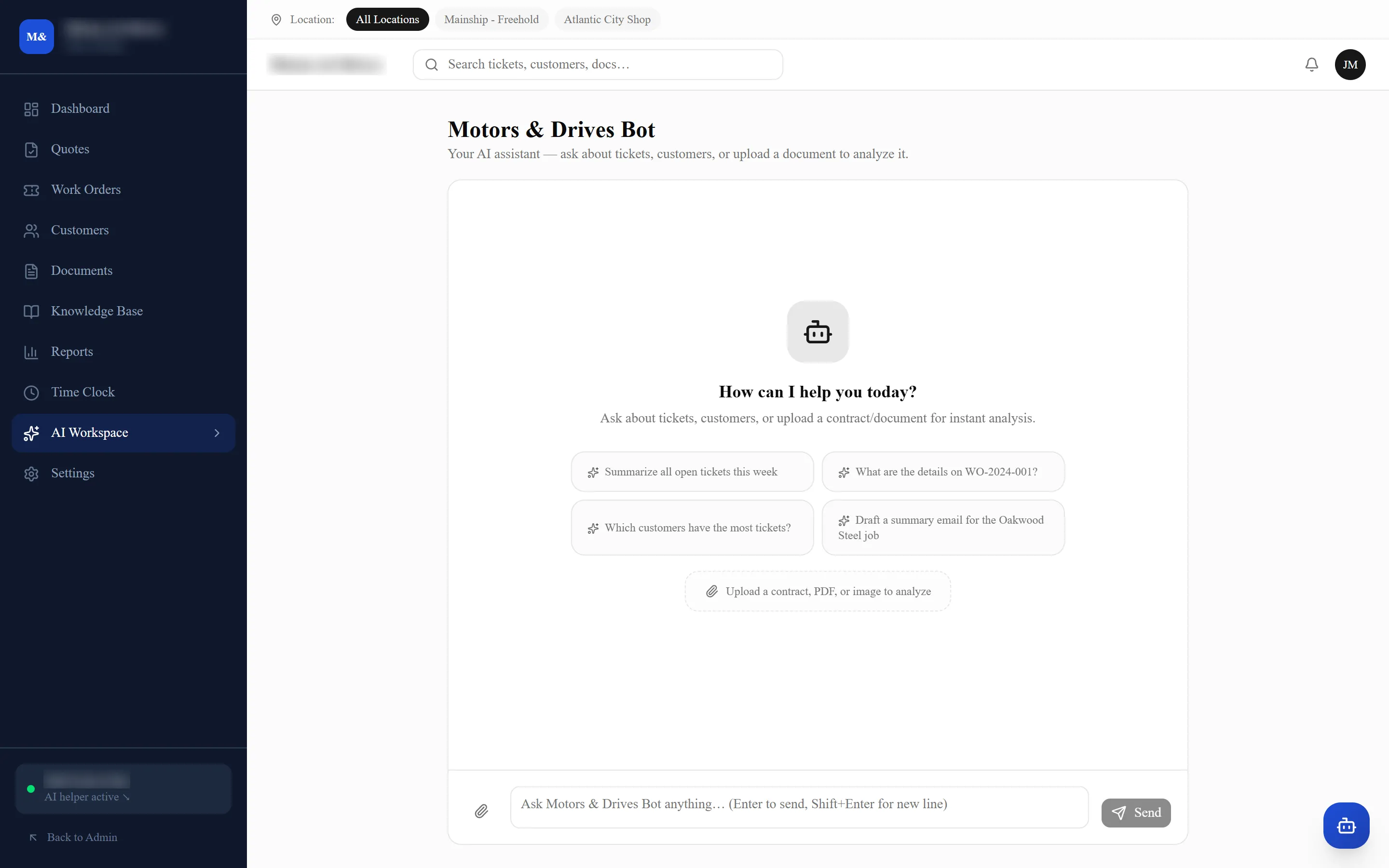
It reads and it drafts. That is all it does.
Ask where a job is, what you did for this customer last time, or for the first version of a write-up. It does not close jobs, move money, or send anything to anybody.
Seen enough?
Tell us what your shop does and a couple of times that suit you this week, and we'll come back to you with a walkthrough on your own jobs.